
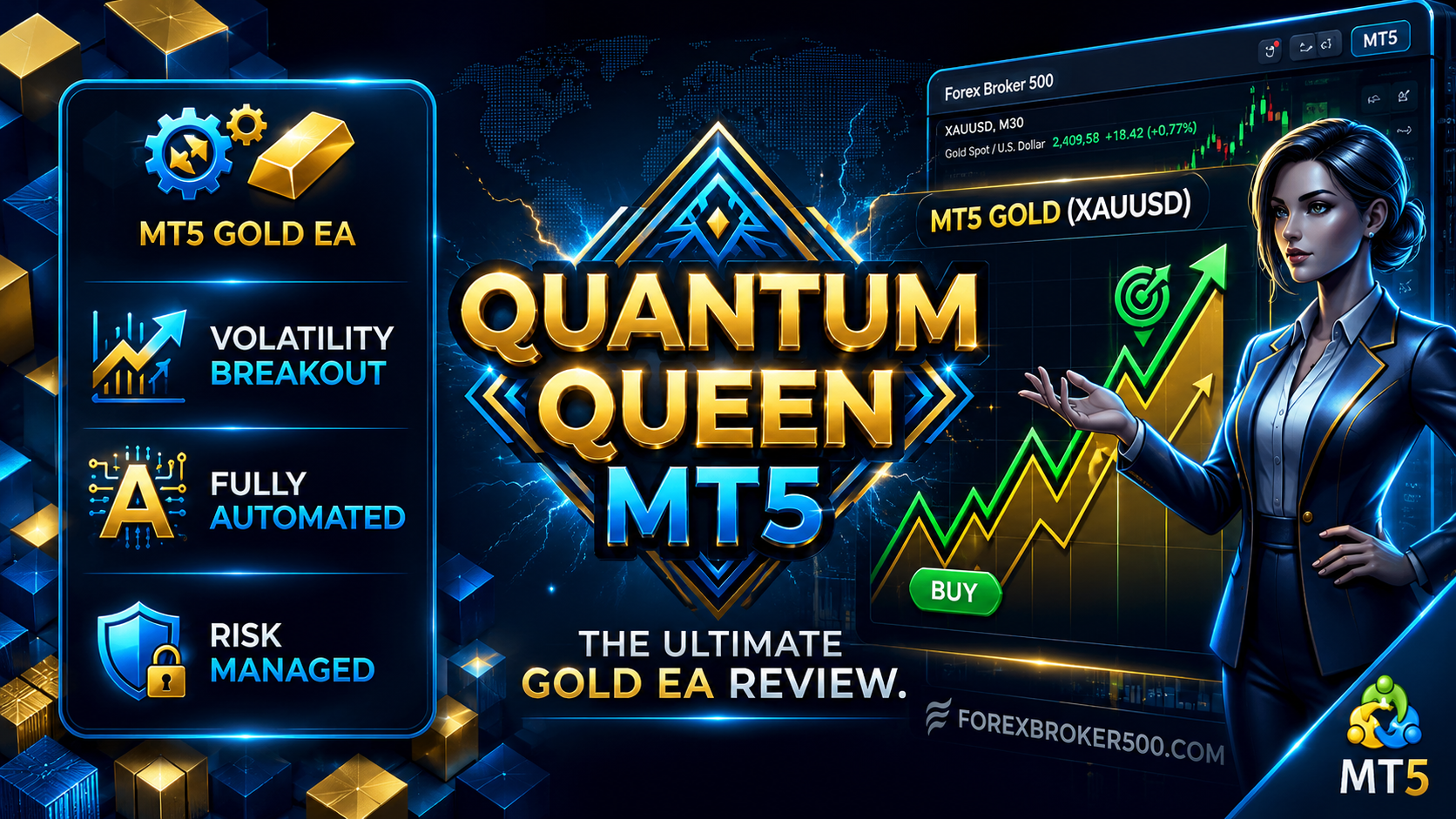
If you have spent any time browsing the MetaTrader 5 (MT5) marketplace, you have almost certainly encountered Quantum Queen MT5. Developed as a top-charting Expert Advisor (EA) specifically tailored for Gold (XAUUSD), Quantum Queen has quickly built a massive following—and intense debate—among automated forex traders.
Whether you are considering purchasing the official version from MQL5 or testing preset files in a demo environment, this comprehensive review breaks down how Quantum Queen MT5 works, its core features, and the crucial risks to keep in mind before deploying real capital.
What is Quantum Queen MT5?

Quantum Queen MT5 is an automated trading robot (Expert Advisor) designed primarily to capture market momentum and volatility breakouts in Gold (XAUUSD) on the MetaTrader 5 platform.
Unlike multi-currency robots, Quantum Queen is engineered around the unique price behaviour of XAUUSD—an asset characterised by sudden volume spikes, strong trend expansion, and swift intraday pullbacks.
Primary Specs at a Glance:
- Trading Platform: MetaTrader 5 (MT5)
- Target Asset: Gold / XAUUSD
- Recommended Timeframe: M15 / M1 (depending on mode/variant)
- Strategy Type: Volatility Breakout & Dynamic Trend-Following Grid
- Execution: Fully Automated Algorithmic Execution
How Does Quantum Queen MT5 Work?
At its core, Quantum Queen relies on detecting volatility expansion. Instead of relying solely on lagging technical indicators, the underlying algorithm measures real-time price acceleration and Average True Range (ATR) expansion.
When high-volume momentum occurs:
- Signal Generation: The system identifies key breakout points beyond structural consolidation zones.
- Dynamic Entry: The EA places momentum-based market or stop orders aligned with the prevailing direction.
- Automated Risk Controls: Positions are monitored with hard or trailing stop losses, target take-profits, and dynamic exit parameters.
If you prefer manual or semi-automated signal trading over full EA execution, you can compare this approach with dedicated semi-automated systems by checking out our FX Agency Advisor 4 Review.
Key Features & Highlights
1. Dedicated XAUUSD Optimisation
Gold requires a completely different approach than standard FX currency pairs like EUR/USD or GBP/USD. Quantum Queen is tuned specifically to navigate Gold’s unique spread behaviours and intraday liquidity sessions.
2. Custom Strategy & Presets
Depending on the version (including evolved editions like Quantum Queen X), users can enable, disable, or fine-tune individual sub-strategies. This customizability allows traders to adjust aggressiveness depending on account size and risk appetite.
3. Indicator-Based Confirmation
Many algorithmic systems rely on supporting technical tools to filter noise during sideways consolidation. If you are building or testing your own manual strategy alongside automated bots, explore our collection of top 20 free indicator downloads for MT4 and MT5.
Critical Factors Before Buying or Testing
While marketing screenshots often show impressive growth curves, real-world automated trading demands caution:
⚠️ 1. Single-Asset Concentration & Grid Exposure
Because Quantum Queen focuses almost exclusively on Gold, your account carries 100% exposure to XAUUSD. Unprecedented geopolitical events or wild market swings in Gold can cause significant drawdown if lot sizing or grid distance is misconfigured.
⚠️ 2. Execution & Broker Spread Sensitivity
Gold EAs are extremely sensitive to slippage and spreads. To replicate backtest conditions on a live account, you need:
- A low-spread, ECN/RAW spread broker.
- A reliable Virtual Private Server (VPS) with sub-5ms latency to your broker’s server.
⚠️ 3. Prop Firm Compatibility Considerations
Many traders attempt to use EAs to pass prop firm challenges. While Quantum Queen offers customizable parameters, traders must verify whether their chosen firm permits grid trading, high-frequency execution, or news-event trading.
How to Set Up Quantum Queen MT5 Safely
To test or deploy Quantum Queen MT5 effectively, follow this standard setup framework:
1. Install EA File:1-2 minutes.
In MT5, go to File -> Open Data Folder -> MQL5 -> Experts and paste your .ex5 file. Restart MT5 or refresh the Navigator panel.
2. Configure Options:1 minute.
Navigate to Tools -> Options -> Expert Advisors. Ensure “Allow Algo Trading” is checked.
3.Attach to Chart & Load .set File:2 minutes.
Open an XAUUSD chart set to the recommended timeframe (e.g., M15). Drag the EA onto the chart and load your specific preset (.set) file matching your risk profile.
4. Demo Forward Testing: Minimum 2-4 weeks.
Never deploy an EA on live capital immediately. Run the bot on a demo account first to observe execution under live spread and news conditions.
Final Verdict: Is Quantum Queen MT5 Right for You?
Quantum Queen MT5 is a feature-packed option for traders seeking a dedicated, automated Gold system. However, an EA is merely a tool—not a guaranteed profit generator. Success depends on proper lot-size calculation, disciplined risk management, low-latency execution, and thorough demo testing.

No responses yet