
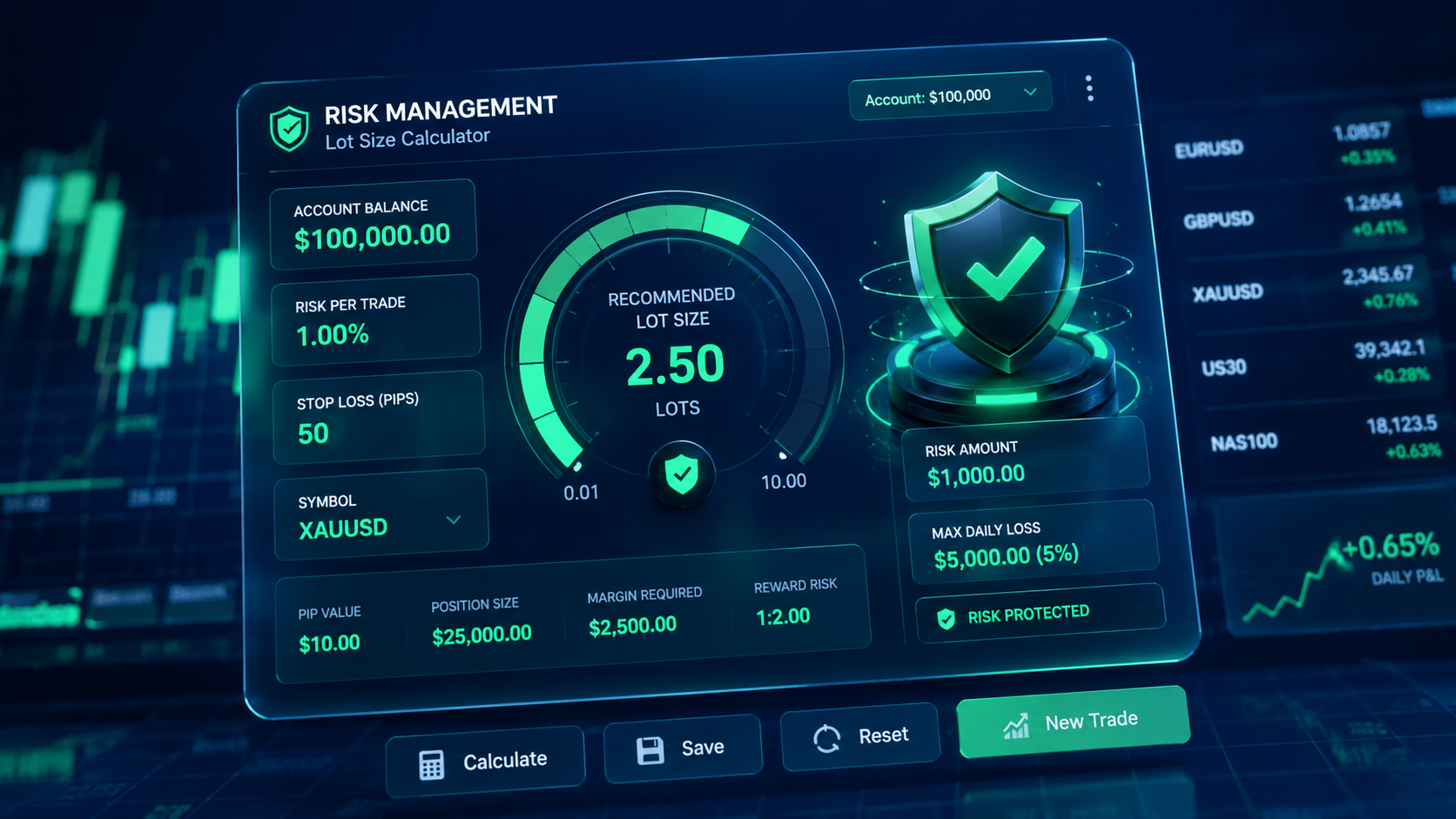
One single miscalculated trade on volatile assets like Gold (XAUUSD) or the US Tech 100 (NAS100) can breach a prop firm’s maximum daily loss limit in seconds. For traders managing $50k, $100k, or $200k challenge accounts, manually calculating lot sizes using external tools while price is moving rapidly is a guaranteed way to suffer unwanted slippage or catastrophic drawdowns.
To eliminate execution errors, you have two flexible options: install an automated MetaTrader 5 Lot Size & Risk Calculator Utility directly on your desktop terminal, or use our browser-based web application—the Trader Toolkit Forex App—for instant calculations on any device without installing EA files.
Whether you are actively attempting an FTMO evaluation or preserving capital on a live funded account, this guide breaks down how dynamic position sizing works and provides a direct setup walkthrough.
Why Manual Lot Size Calculation Fails on Prop Firm Accounts

Most novice traders rely on static lot sizes—for instance, opening 1.00 lot on every trade regardless of market context. On prop firm challenges, this approach breaks down quickly due to two critical variables:
1. Account Equity vs. Balance Risk Dynamics
Prop firm risk limits are calculated dynamically based on High Watermark Equity or dynamic daily drawdown. If you lose a trade early in the session, taking another trade with the same static lot size increases your overall percentage risk on the remaining balance. Dynamic position sizing adjusts your lot size downward as equity drops, protecting your daily loss limit.
2. Volatility and Pip Value Variance Across Assets
A 20-pip stop loss on EURUSD carries a completely different monetary value than a 20-point stop loss on XAUUSD or US30. Because index and commodity tick values fluctuate based on contract size and broker specifications, manual conversions often lead to oversized positions during high-impact economic news releases.
Use Our In-House Web App: Trader Toolkit Forex App
If you prefer not to install custom .ex5 files or need to calculate risk from your phone or web browser, you can use our built-in web utility: the Trader Toolkit Forex App.
What’s Included in the Toolkit:
- Forex Risk & Lot Size Calculator: Input your account balance, risk percentage, and stop loss to calculate precise trade volume instantly across different pairs and avoid overexposure.
- Forex Session Clock: Real-time session tracker for London, New York, and Asian market hours so you trade during peak volatility and avoid dead hours.
- Prop Firm Tracker: Essential dashboard to monitor daily loss limits, maximum drawdown parameters, and profit targets to stay strictly within challenge rules.
Key Features of the MT5 Desktop Risk Calculator Utility
If you prefer an on-chart solution installed directly inside MetaTrader 5, the MT5 desktop utility provides:
- Automated Lot Sizing: Set your risk percentage (e.g., 0.5% or 1%), drag your stop-loss line on the chart, and watch the panel auto-calculate your exact lot size.
- Prop Firm Daily Limit Barrier: Input your daily max loss threshold to lock execution if a trade exceeds your safety parameters.
- Visual Risk-to-Reward (RRR) Overlay: Instantly visualize potential monetary profit versus risk before committing orders to the market.
- Multi-Asset Compatibility: Functions seamlessly across Forex currency pairs, Gold, Crude Oil, Indices, and Crypto.
Step-by-Step Installation Guide for MetaTrader 5
- Download the Utility File: Grab the
.ex5file directly from our indicator library. - Open the MT5 Data Directory: In MetaTrader 5, click File in the top menu and select Open Data Folder.
- Navigate to Indicators: Open the MQL5 folder, then double-click the Indicators folder. Paste the downloaded
.ex5file here. - Refresh & Attach: Return to MT5, locate the Navigator panel (Ctrl+N), right-click Indicators, and hit Refresh. Drag the utility onto your chart and ensure “Allow Algo Trading” is checked in the settings tab.
How to Configure Your Prop Firm Risk Parameters
To ensure your trades comply with strict prop firm drawdowns, configure the input settings inside the indicator popup as follows:
- Risk Percentage Mode: Set to
0.5%or1.0%per trade (never exceed 1% on funded evaluations). - Account Mode: Set to
Equity(recommended for trailing drawdown rules) orBalance. - Max Spread Filter: Set a maximum allowable spread threshold (e.g., 20 pips) to prevent trade entry during spread spikes at session opens.
Recommended Resources & Next Steps
Free Download Hub: Download this risk tool along with 19 other institutional utilities on our Top 20 Free Trading Indicators Download Hub.
Browser-Based Tools: Access our web-based risk calculators, session clock, and challenge tracker on the Trader Toolkit Forex App.
Scale Your Trading Capital: Ready to apply institutional execution frameworks to funded accounts? Apply for Funding on Forex Broker 500 and explore our specialized challenge strategies.

No responses yet