
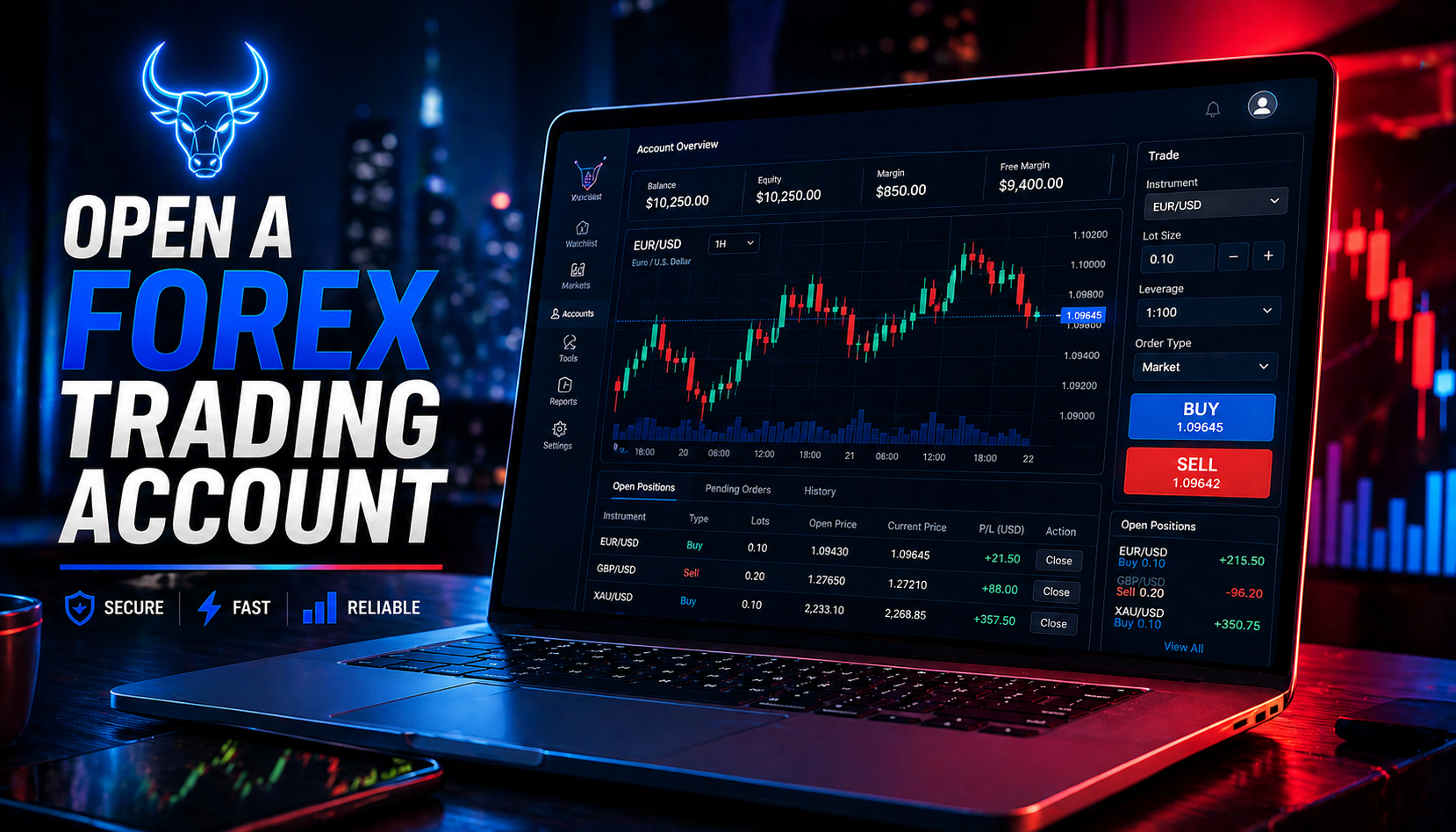
Introduction
Getting started in forex can feel overwhelming…
but opening your first trading account is actually simple.
The problem?
Most beginners rush this step — and choose the wrong setup.
In this guide, you’ll learn exactly:
- How to open a forex trading account
- The difference between demo and live accounts
- What you need before you start
- How to avoid beginner mistakes
What is a Forex Trading Account?

A forex trading account is your gateway to the market.
It allows you to:
- Buy and sell currency pairs
- Manage trades
- Track profits and losses
Most traders use platforms like:
- MetaTrader 4
- MetaTrader 5
- cTrader
Step-by-Step: How to Open a Forex Account
Step 1: Choose a Broker
Your broker is your connection to the market.
Look for:
- Regulation and security
- Low spreads and commissions
- Reliable execution
- Good platform support
👉 You can open both demo and live accounts here:
Step 2: Register Your Account

You’ll need to provide:
- Full name
- Email address
- Phone number
- Country of residence
This process usually takes a few minutes.
Step 3: Verify Your Identity (KYC)
To comply with regulations, brokers require verification.
You’ll upload:
- ID document (passport or ID card)
- Proof of address (utility bill, bank statement)
👉 This ensures your account is secure.
Step 4: Choose Account Type
There are two main types:
🧪 Demo Account
- Practice with virtual money
- No risk
- Perfect for beginners
💰 Live Account
- Trade with real money
- Real profits and losses
- Requires discipline
👉 Start with demo → then transition to live
Step 5: Fund Your Account

For live accounts, you’ll need to deposit funds.
Common methods:
- Bank transfer
- Card payments
- E-wallets
👉 Only deposit what you can afford to risk.
Step 6: Start Trading
Once your account is ready:
- Open your platform
- Choose a currency pair
- Analyze the market
- Place your trade
Tools You Need Before Trading
To trade effectively, you need more than just an account:
- Lot size calculator
- Risk management tools
- Trade planning tools
🧰 Use the Trader Toolkit App:
Common Mistakes to Avoid
- Skipping demo trading
- Choosing the wrong account type
- Overfunding your account
- Trading without a strategy
- Ignoring risk management
👉 These mistakes cost beginners the most.
Demo vs Live: Which Should You Start With?
Always start with demo trading.
Why?
Because it allows you to:
- Learn without risk
- Practice execution
- Build confidence
👉 Move to live only when you’re consistent.
Final Thoughts
Opening a forex trading account is easy…
But becoming a successful trader?
That takes discipline, patience, and the right tools.
Start simple:
- Open a demo account
- Practice consistently
- Learn before risking money
Take the Next Step
Ready to start your trading journey?
👉 Open your demo or live account here:
🧰 Improve your execution with tools:
Disclaimer
Forex Broker 500 is an educational platform and not a broker. We do not accept deposits or execute trades. We may partner with trading providers and affiliate programs. Trading involves risk, and past performance does not guarantee future results.

No responses yet