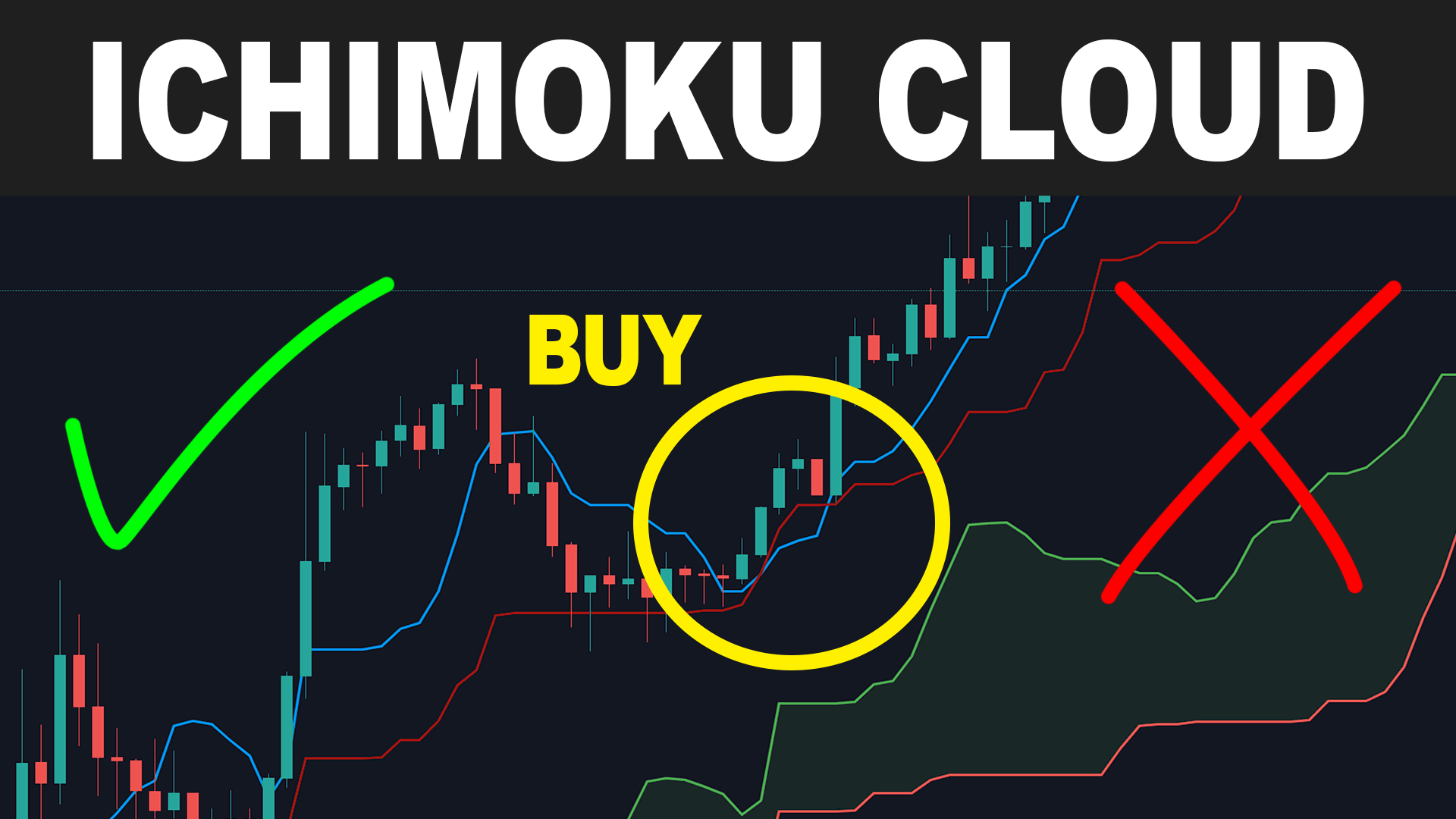
The Ichimoku Kinko Hyo Indicator is one of the most powerful all-in-one trading tools in the world. It helps traders identify trends, momentum, reversals, and market structure with extraordinary clarity.
If you’re searching for the Ichimoku Kinko Hyo Indicator download and want a full explanation of how to install and use it, this guide covers everything you need.
What Is the Ichimoku Kinko Hyo Indicator?
The Ichimoku system is a complete trading model designed to show:
- Trend direction
- Support and resistance
- Strength of buyers and sellers
- Future price projection
- Entry and exit points
It includes five components:
- Tenkan-sen (Conversion Line)
- Kijun-sen (Base Line)
- Senkou Span A & B (The Cloud/Kumo)
- Chikou Span (Lagging Line)
Its unique cloud structure makes it one of the clearest visual systems in technical analysis.
Ichimoku Kinko Hyo Indicator Download (MT4 & MT5)
The Ichimoku indicator comes pre-installed on most major trading platforms, so the download process is simple.
How to Access on MT4/MT5
- Open your platform.
- Go to Insert → Indicators → Trend.
- Click Ichimoku Kinko Hyo.
If you need a custom Ichimoku version with alerts or modifications, you can download free or premium versions from:
- MT4 marketplace
- MT5 marketplace
- Forex forums
- Developer sites
- Third-party indicator libraries
Most downloads require only a simple file installation.
How to Install the Downloaded Ichimoku Indicator
- Download the .ex4 or .mq4 file (MT4) or .ex5 / .mq5 file (MT5).
- Open your trading platform.
- Go to File → Open Data Folder.
- Navigate to MQL4 → Indicators (or MQL5 → Indicators).
- Drag the file into the folder.
- Restart your platform.
- Check under Indicators and load the Ichimoku tool.
Installation usually takes less than two minutes.
How to Use Ichimoku Kinko Hyo for Trading
1. Identify Trend Direction
- Price above the cloud → Uptrend
- Price below the cloud → Downtrend
- Price inside the cloud → No clear trend
2. Use Tenkan & Kijun for Entries
- Bullish signal: Tenkan crosses above Kijun
- Bearish signal: Tenkan crosses below Kijun
3. Check Cloud Thickness
- Thick cloud = strong support or resistance
- Thin cloud = weak trend, possible reversal
4. Use Chikou Span Confirmation
If Chikou Span is above price → Strong buy confirmation
If below → Strong sell confirmation
This combination gives a full market picture at a glance.
Why Traders Love the Ichimoku Indicator
- It eliminates guesswork
- Combines multiple strategies in one system
- Works on all timeframes
- Powerful for swing, day, and trend trading
- Helps avoid low-probability trades
- Gives clear rules for buying and selling
Many professional traders use it as their main charting system.
Best Timeframes for Ichimoku
- H4 and Daily: Most accurate signals
- H1: Good for intraday trading
- M15–M30: Works well for scalping but requires experience
Beginners often see better results on higher timeframes.
Common Mistakes Beginners Make
- Trading inside the cloud (unclear trend)
- Ignoring Chikou Span confirmations
- Not waiting for cloud breakouts
- Using the indicator without risk management
The system is powerful, but it requires discipline.
Conclusion
The Ichimoku Kinko Hyo Indicator is one of the most complete and effective trading tools available today. Whether you’re downloading the default version or a custom upgrade, mastering this indicator can dramatically improve your trading consistency in 2026.
With clear structure, accurate signals, and built-in trend analysis, it remains a favorite among forex, indices, and crypto traders worldwide.
Tip (Forex Broker 500)
Ready to trade with the Ichimoku system?
👉 Join Forex Broker 500 today for fast execution, low spreads, and powerful charting tools.
👉 Install the Ichimoku indicator in minutes and start trading with confidence!


No responses yet